The Digital Guide to Accessibility.
Accessibility
is Not Optional.
Imagine browsing the internet. Your screen looks clear. But what if it didn't?


Alt Access is a learning campaign supported by Prosob (Impact Hub Phnom Penh) and funded by the European Union. Built for tech students to understand accessibility and apply inclusive design.
As Cambodia digitizes, it is time for our tech students to catalyze this shift so that everyone — including those with disabilities — can have access.
"Disability is not the problem. Barriers to access are."
Feel how the visually impaired experience the web
Theory teaches you "what". Experience teaches you "why". Step into the user's perspective to test your assumptions.
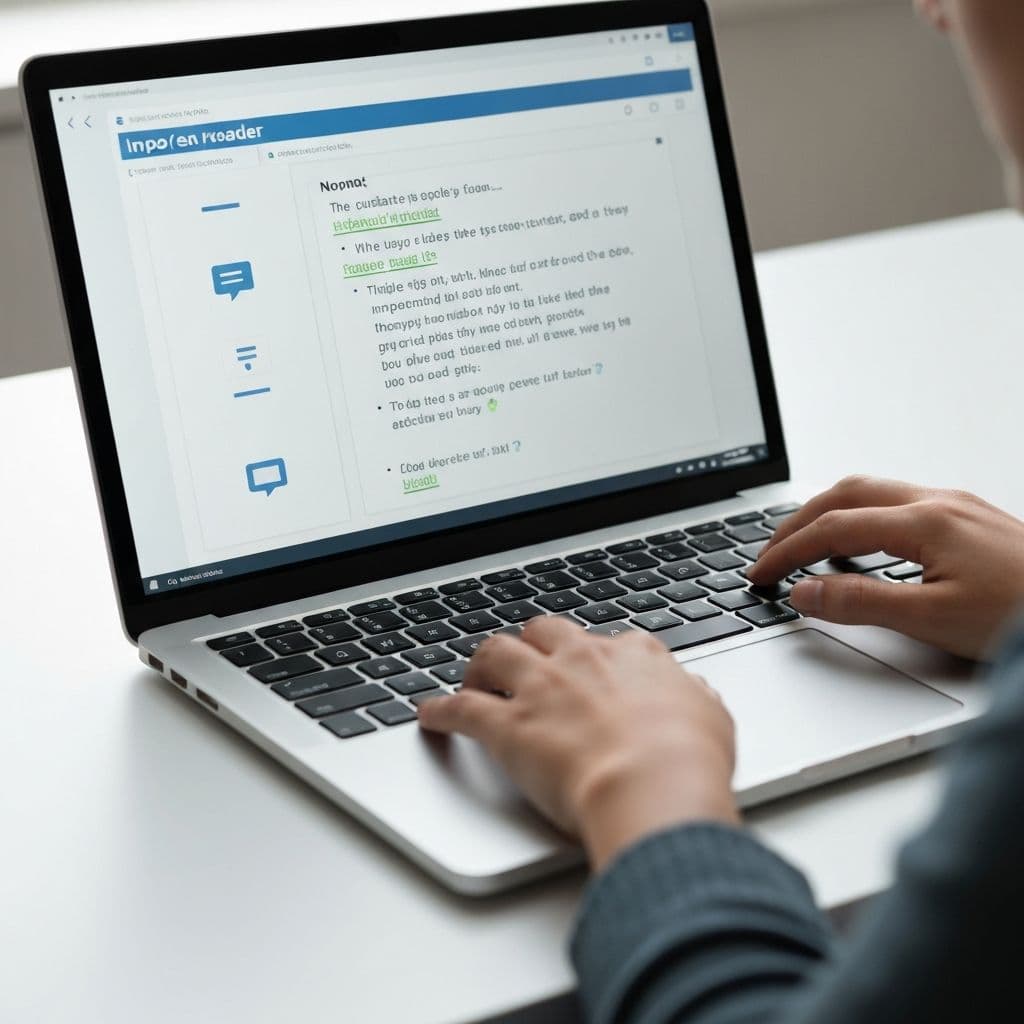
Total Blindness Experience
Experience the web through screen readers and understand the importance of semantic HTML and ARIA labels.

Low Vision Experience
Simulate various visual impairments like blur, tunnel vision, and glare to test contrast and readability.
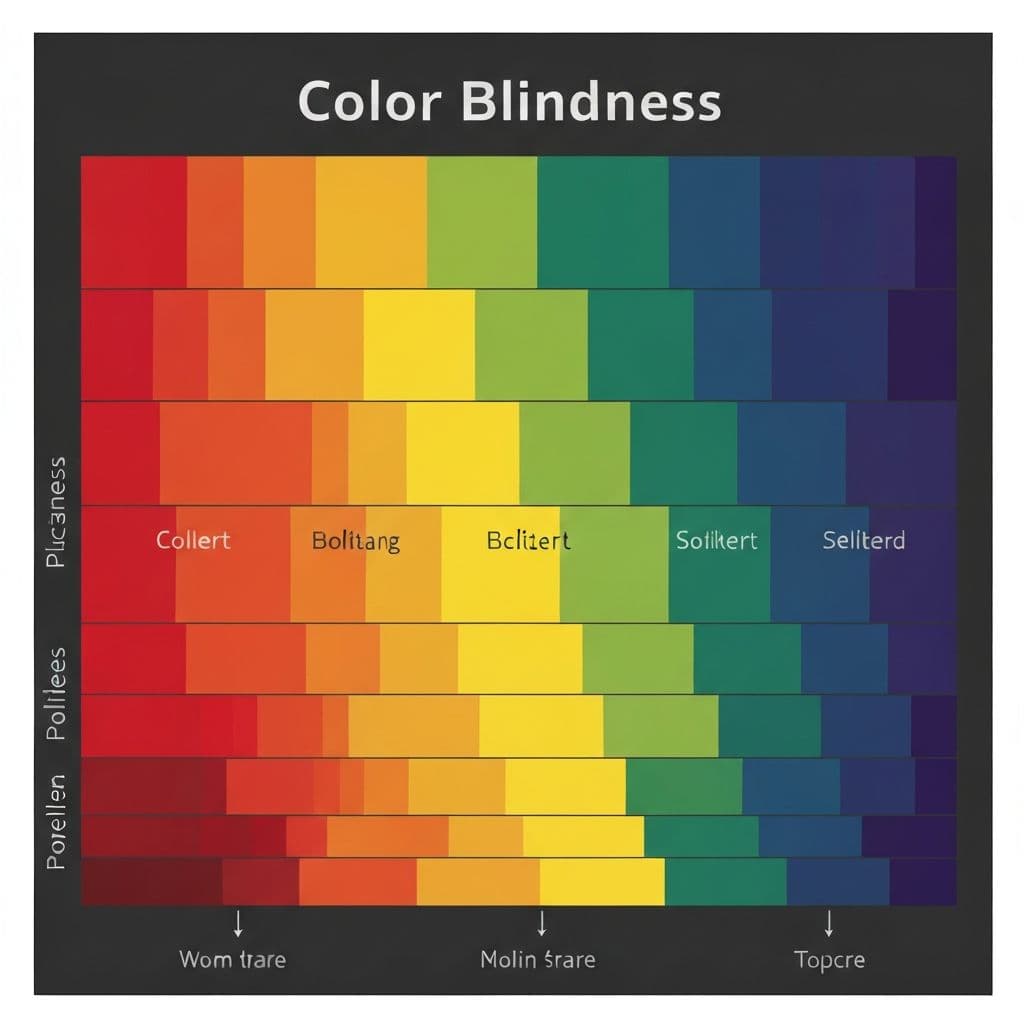
Color Blindness Experience
See how your design looks to users with different types of color blindness (protanopia, deuteranopia, etc).
The
Spectrum
Visual impairment is not binary. It is a wide range of human experiences that affects how people perceive & interact with your work.
"Visual impairment refers to a wide range of conditions that reduce a person's ability to see clearly, even with glasses or medical treatment."
Blindness
Total Blindness
No light perception. Relies entirely on screen readers/Braille.
Partial Blindness
Some light perception but limited useful vision.
Low Vision
Blurred Vision
Lack of sharpness, details are fuzzy (e.g., cataracts).
Reduced Visual Acuity
Cannot see small details even with correction.
Color Deficiency
Red-Green (Deuteranopia)
Difficulty distinguishing red and green shades.
Blue-Yellow (Tritanopia)
Difficulty distinguishing blue and yellow.
Monochromacy
Complete color blindness (seeing in grayscale).
Field Loss
Tunnel Vision
Loss of peripheral vision (e.g., Glaucoma).
Central Vision Loss
Loss of center focus (e.g., Macular Degeneration).
Visual Field Loss
Blind spots or patchy vision.
Sensitivity
Photophobia
Extreme sensitivity to light and glare.
Nyctalopia
Night blindness or poor vision in low light.
Contrast Sensitivity
Difficulty distinguishing objects from background.
Inclusive
Design
"Accessibility is the baseline standard. Inclusive Design is the methodology that helps achieve it."
Inclusive Design is a methodology that learns from diverse users and designs with human differences in mind from the start.

A feature designed for accessibility often improves the experience for everyone.
In urban design, sidewalk ramps (curb cuts) were specifically made for wheelchairs but fundamentally helped parents with strollers, travelers with heavy luggage, and cyclists.
Screen ReadersBlind
Used heavily by commuters listening to articles while driving, and people experiencing severe eye fatigue.
Video CaptionsDeaf
Essential for people watching videos in noisy public places, quiet libraries, or those learning a non-native language.
The
Motivation
Beyond empathy, there are three critical reasons why accessibility requires immediate action from modern developers.
The Reality Check
Survey Data: 120+ IT Students
The Purpose
Why we needed to ask.

Source: Alt Access Survey 2025
It isn't just about doing the right thing. It's about building robust software for the real world.
It's The Law
Governments worldwide (ADA, European Accessibility Act) require strict standards. Non-compliance limits global reach and risks lawsuits.
Career Growth
Teams that practice inclusive design outperform in innovation. Expertise in "universal design" future-proofs your engineering skillset.
Expand Reach
1.3 billion people globally have a disability. Building inaccessible products arbitrarily excludes 15% of your potential user base.
The
Standard
WCAG compliance ensures that users can perceive, navigate, & understand content without relying on sight.
Visual Requirements (AA)
Accessibility is a core requirement, not a feature.
Responsive
Website must work on all devices (Mobile, Tablet, Desktop).
Keyboard Only
All interactive elements must be accessible without a mouse.
Text Alternatives
Images must have alt text. Videos must have captions.
Contrast
Text must have sufficient color contrast against backgrounds.
The Cost of Retrofitting
Fixing accessibility issues after a product is built costs up to 100x more than designing them correctly from the beginning. Learn the standards before you write code.
The Campaign.
Short documentaries and social media videos that challenge the status quo on accessibility.
How Do Blind People See?
Exploring how users with low vision, color blindness, and total blindness experience the internet using screen readers.
What is Accessibility?
An introduction to accessibility and why it matters for everyone. Did you know 16% of the global population lives with a disability?
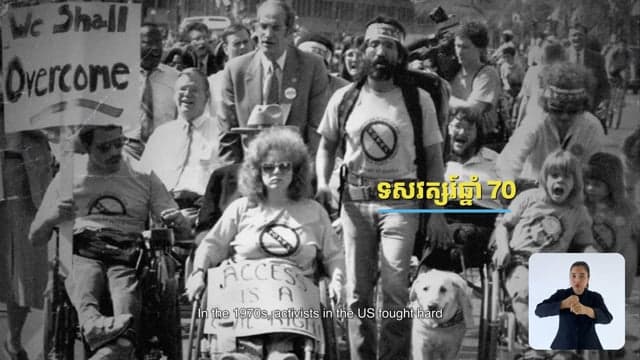
The Curb Cut Effect
How designing for disabilities—like adding captions or alt text—creates a better user experience for everyone.
Why Should We Care?
Stand out in the tech industry. Learn why digital accessibility is a rapidly growing market, a legal requirement globally, and a massive career opportunity.
What is WCAG?
Learn the basics of the Web Content Accessibility Guidelines (WCAG) and the POUR principles: Perceivable, Operable, Understandable, Robust.
The
Learning Center
A structured, self-paced course for developers and designers. Master the principles that make the web work for everyone.
Web Accessibility
Building for Visual Impairment
Introduction
What is web accessibility and why it matters.
WCAG Standard
The global rulebook — A, AA, and AAA conformance.
Alternative Text
Writing meaningful alt text that gives context.
Color & Contrast
The 4.5:1 ratio rule and color independence.
Keyboard Navigation
Logical tab order and visible focus indicators.
Conclusion
Inclusion by design, not by afterthought.
Ready to Learn?
Complete all 6 modules in about 30 minutes. Self-paced, interactive, and built for developers.