What is Accessibility?
តើ Accessibility ហ្នឹងជាអីគេទៅ?
 Alt Access Campaign
As a developer, you spend hours building websites and apps to attract as many users as possible. But what if your platform is unintentionally excluding 1.3 billion people? According to the World Health Organization, 16% of the global population lives with some form of disability. That is why developing with digital accessibility in mind is crucial.
Bringing Accessibility to the Digital World
In the physical world, accessibility looks like wheelchair ramps or Braille signs. In the IT world, we call this Web Accessibility—creating digital platforms that everyone can use easily. If you are a developer looking to start, here are a few simple steps to implement today:
- Add Alt Text to Images: Always use alt="..." in your HTML to describe images. Without it, Screen Readers cannot tell blind users what the image shows.
- Check Color Contrast: Ensure your text and background colors have high contrast. Light gray text on a white background is a massive barrier for users with Low Vision.
Let's build a digital world for everyone. Learn more at altaccess.site
How Do Blind People See?
Exploring how users with low vision, color blindness, and total blindness experience the internet using screen readers.
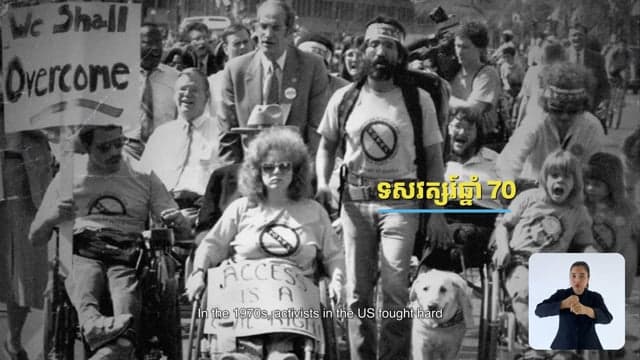
The Curb Cut Effect
How designing for disabilities—like adding captions or alt text—creates a better user experience for everyone.
Why Should We Care?
Stand out in the tech industry. Learn why digital accessibility is a rapidly growing market, a legal requirement globally, and a massive career opportunity.
What is WCAG?
Learn the basics of the Web Content Accessibility Guidelines (WCAG) and the POUR principles: Perceivable, Operable, Understandable, Robust.
The Curb Cut Effect