
Step Into
Their Shoes.
To build accessible technology, you first need to understand the barriers. Our interactive simulations let you experience the web through the lens of users with different visual abilities.
Three perspectives.
One mission: empathy.

Total Blindness
Experience the web without a screen. Navigate entirely using keyboard inputs and audio cues — exactly how millions of blind users interact with technology every day.
Tab through a dark room using only audio. Find the key to escape.
Complete a purchase using a form with missing labels — a common real‑world barrier.
Screen readers rely on semantic HTML. Without proper labels, headings, and ARIA attributes, the entire interface becomes unusable.
WCAG 1.3.1 · Info and Relationships
Low Vision
See the web through severe myopia or tunnel vision. Discover how hard it is to find a single button when you can only see a tiny fraction of the screen at a time.
Search a blurred grid of files. Move your mouse to focus on specific areas.
Find the hidden cancel button on a settings page with poor contrast and deceptive layouts.
Low‑contrast text and small click targets make interfaces nearly impossible to use for the 246 million people with low vision.
WCAG 1.4.3 · Contrast (Minimum)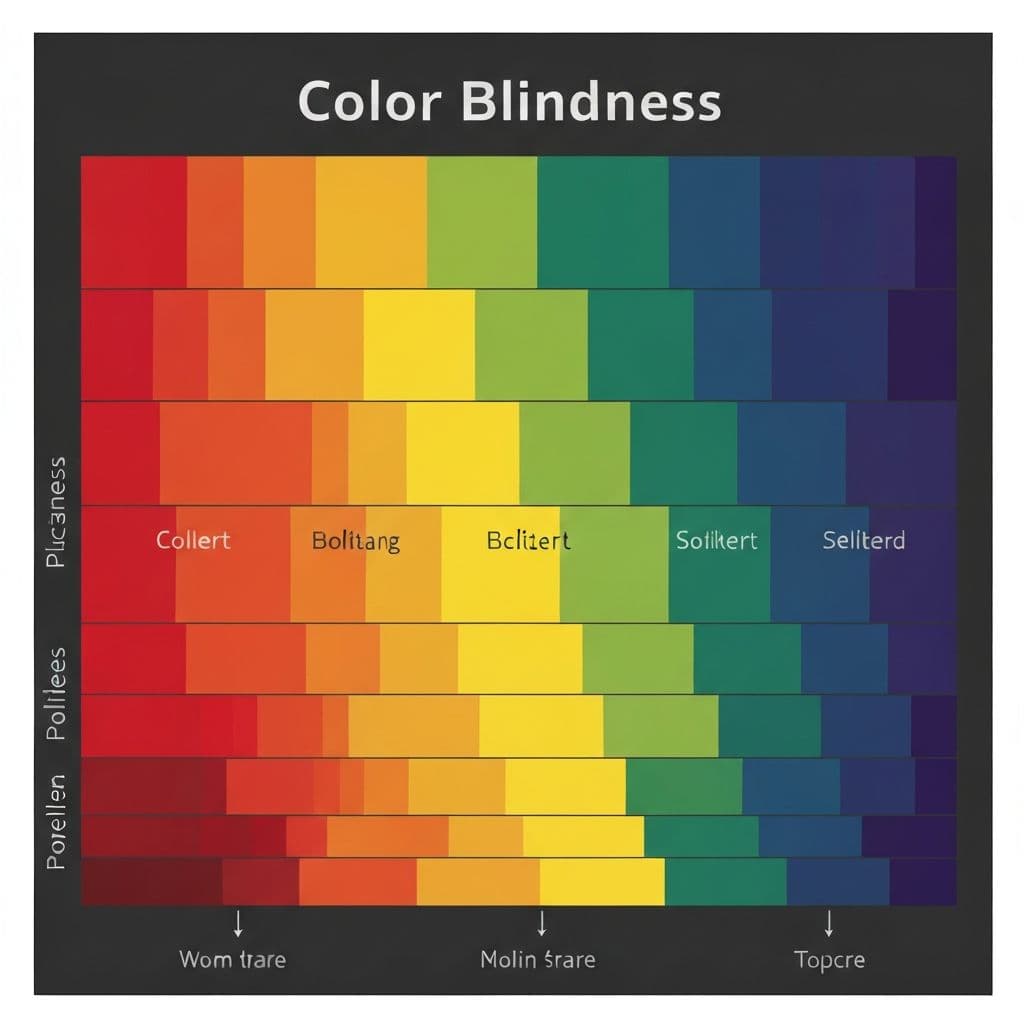
Color Blindness
Experience Deuteranopia (red‑green blindness). Discover how much we rely on color alone to convey critical information — and why that's a problem for 300 million people worldwide.
15 seconds to cut the green wire. A classic trope that becomes a nightmare without color vision.
Book an available seat when green and red look exactly the same.
Color should never be the only visual means of conveying information. Always pair color with text labels, patterns, or icons.
WCAG 1.4.1 · Use of ColorHow It Works

Choose a Simulation
Pick from three disability categories — each designed around real barriers people face on the web every day.

Experience the Barrier
Complete interactive missions under simulated conditions. Feel the frustration when interfaces fail to be accessible.
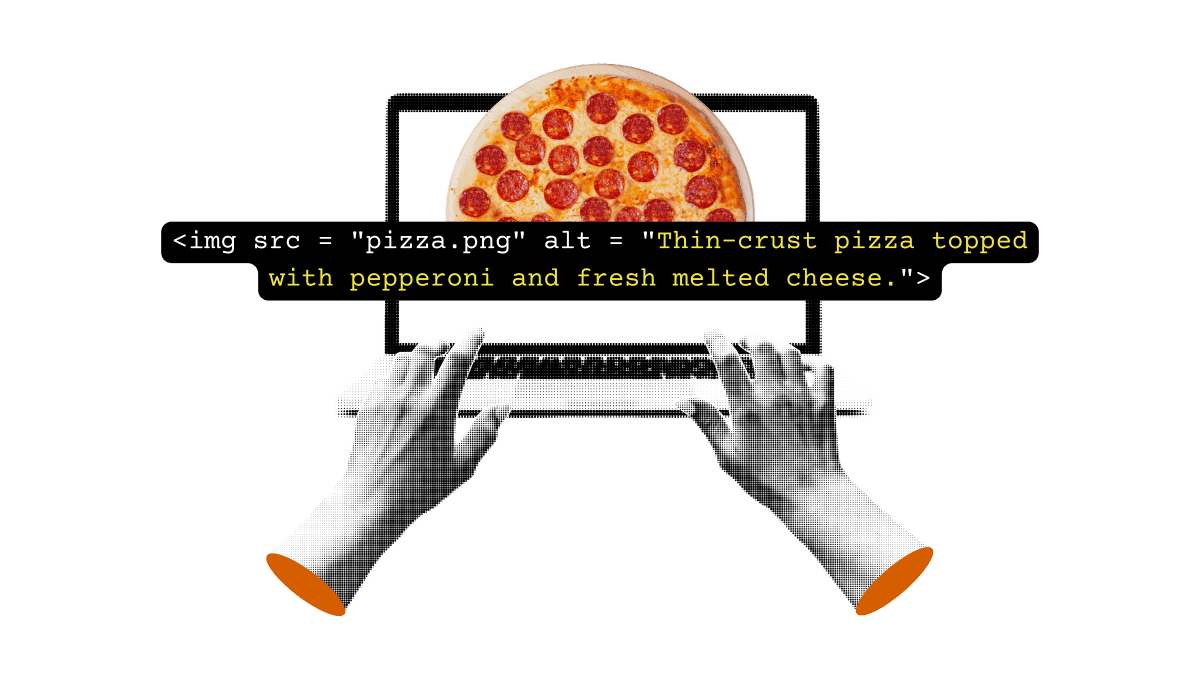
Learn the Solution
Discover the WCAG guidelines and design patterns that eliminate these barriers — and see the fix in action.
Ready to begin?
Start with any simulation. Each takes only a few minutes but will permanently change how you think about web design.